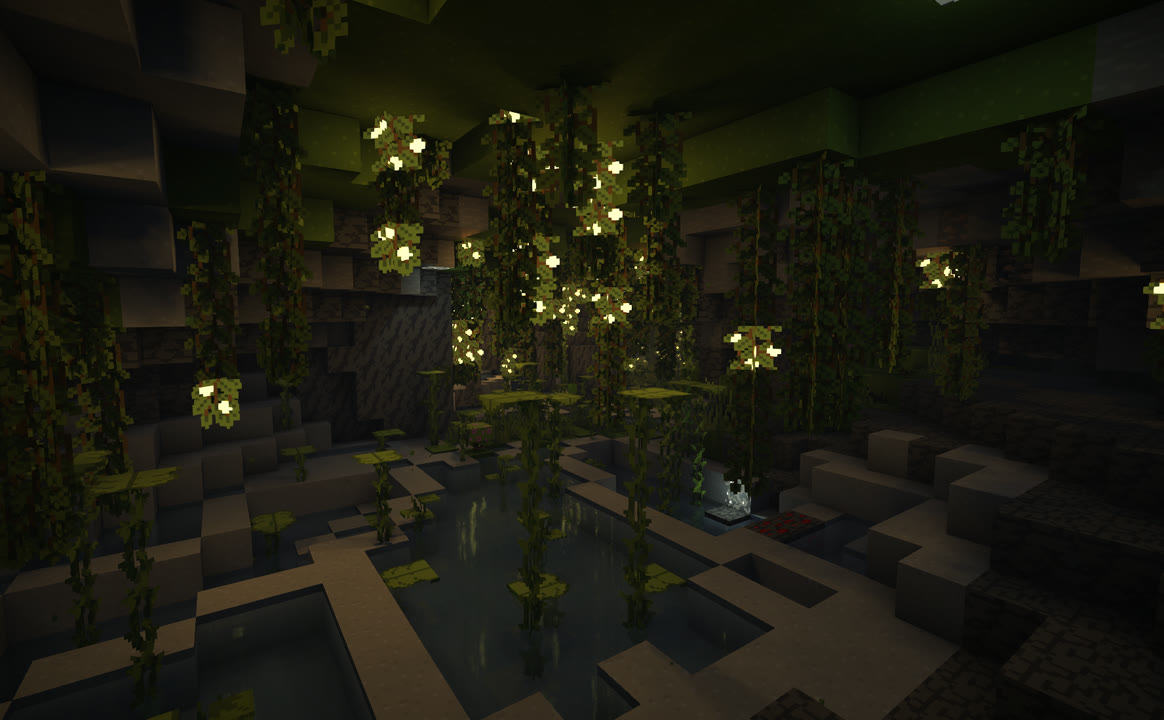
Host a lobby in seconds.
Public or private Minecraft lobbies with the people you play with. Modpacks sync when they join. No port forwarding, no pasting IPs in Discord.
 Minecraft lobbies with the people you play with. Modpacks sync when they join. No port forwarding, no pasting IPs in Discord.
Free to play · Windows, macOS & Linux
How it works
Download, sign in, play together. Three steps, no setup rabbit holes.
Step 1
Host a room, or join one
Stand up your own lobby, or click into an open one. Takes about as long as naming a world.
Step 2
Hit Launch
We sync the host's modpack and open the world. No server rentals, no config files.
Step 3
Jump in and play
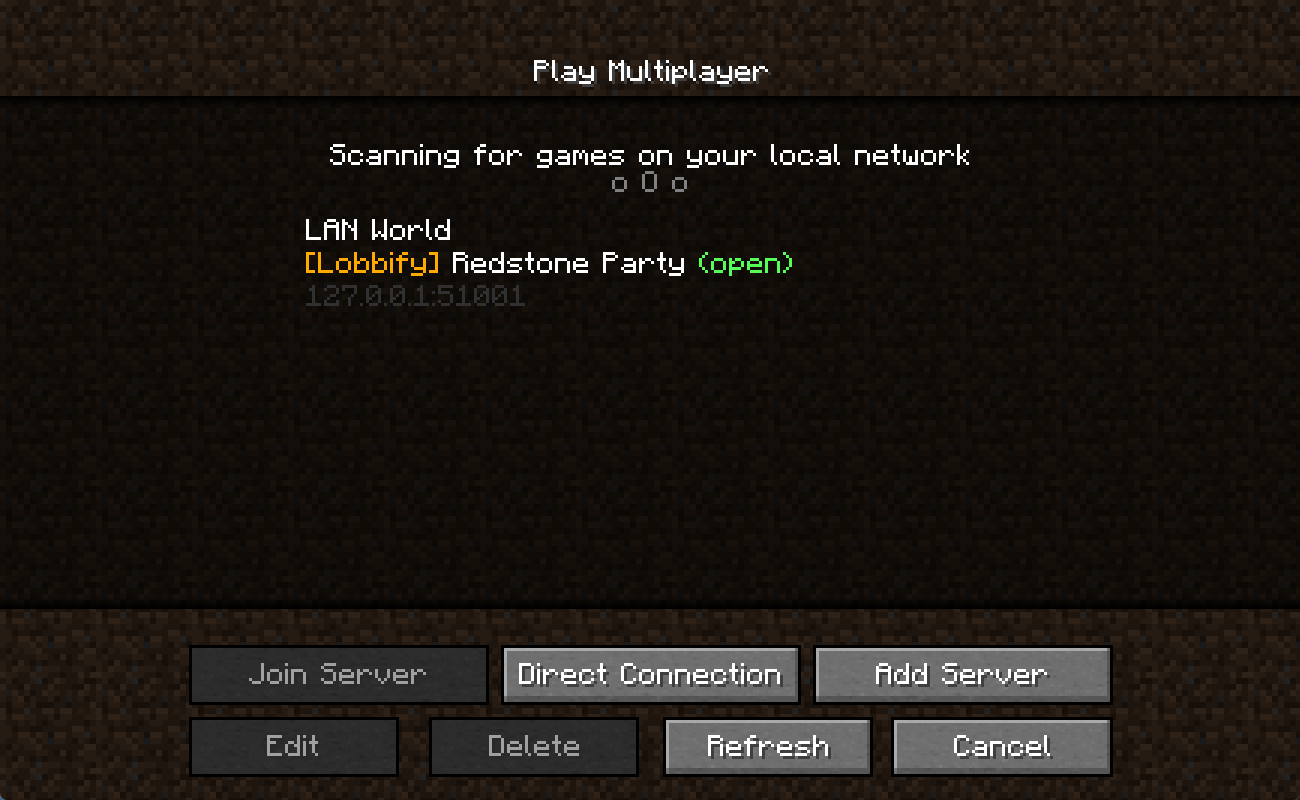
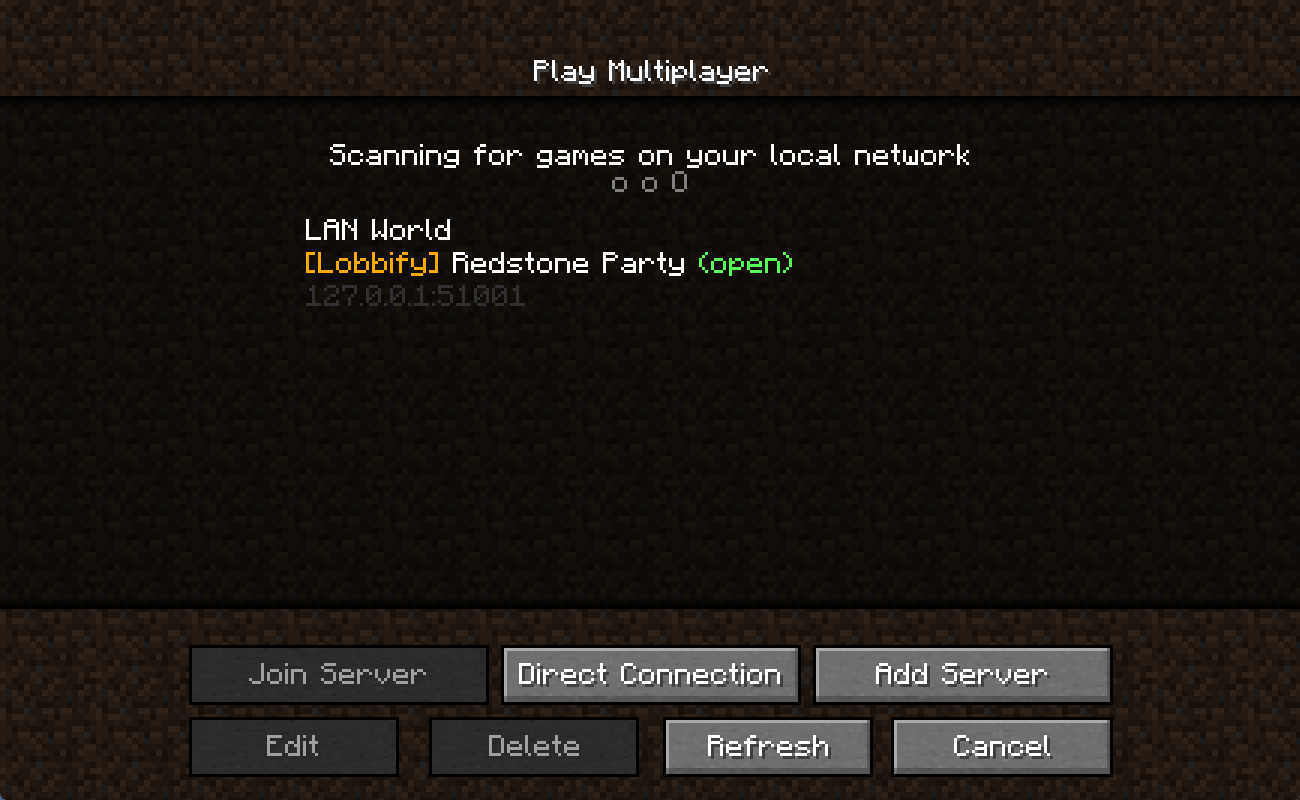
It shows up in Minecraft's Multiplayer list. Select it and you're in.
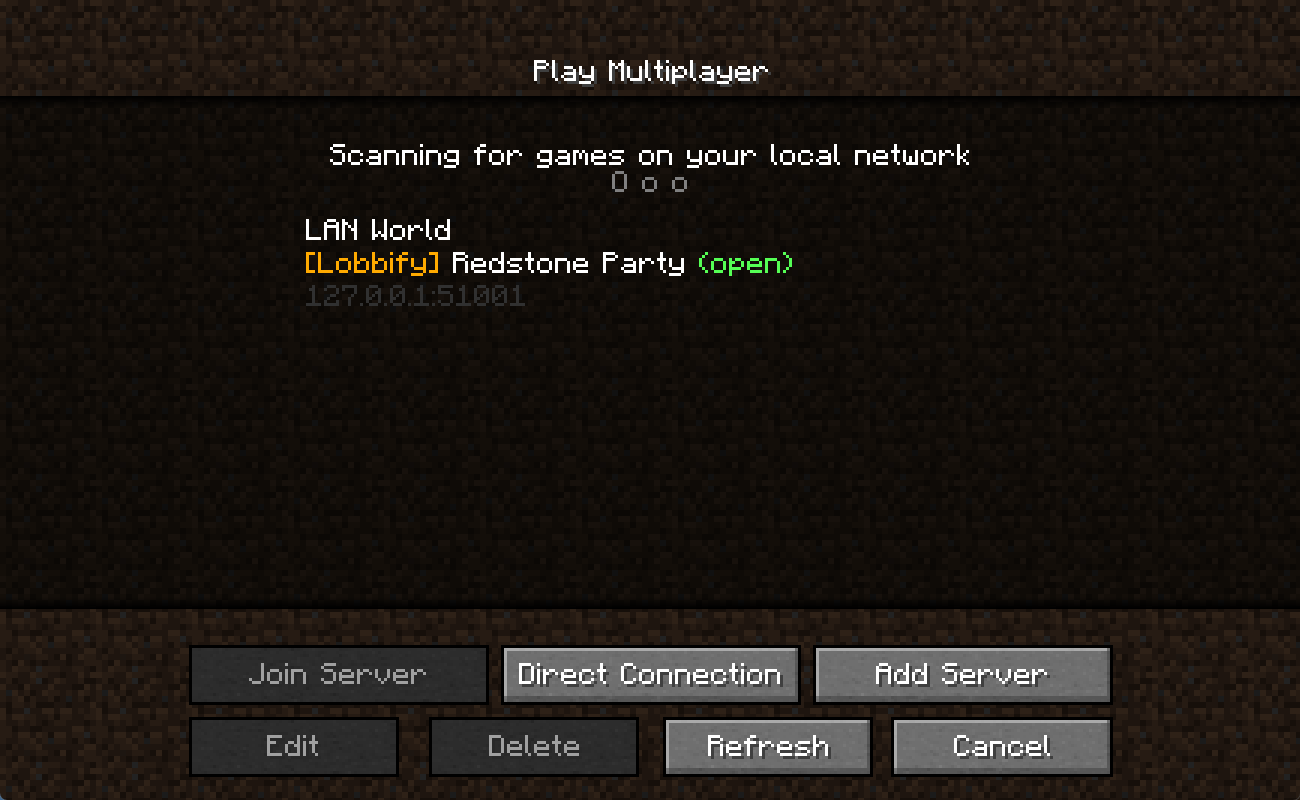
Step-by-step help for installing modpacks, managing instances, hosting, and joining.
Frequently Asked Questions
Minecraft Java for now — vanilla, Fabric, Forge, NeoForge, and full modpacks. More games are on the roadmap; if there's one you want, tell us.
No. We find the open port, connect people peer-to-peer when we can, and fall back to a relay when we can't. You shouldn't have to touch your router.
Yes — Lobbify has a free tier, and it's here to stay. If we ever add paid extras later, we'll say so clearly ahead of time.
Yeah. Make the room private and send friends the join code. Only people with the code get in — same idea as a whitelist, without the hassle.
They get it automatically. When someone joins your lobby, we sync your modpack to them so you're not hunting the same CurseForge link in Discord.
Windows, macOS (Apple Silicon and Intel), and Linux. Grab yours from the download button up top — it picks your platform when it can.
Email [email protected]. We actually read it.
Still stuck? Contact us or email [email protected] — we actually read it.